Help
How to use Plenzu
Nine short topics, each with clips that show exactly where to click. Start at the top, or jump straight to what you need.
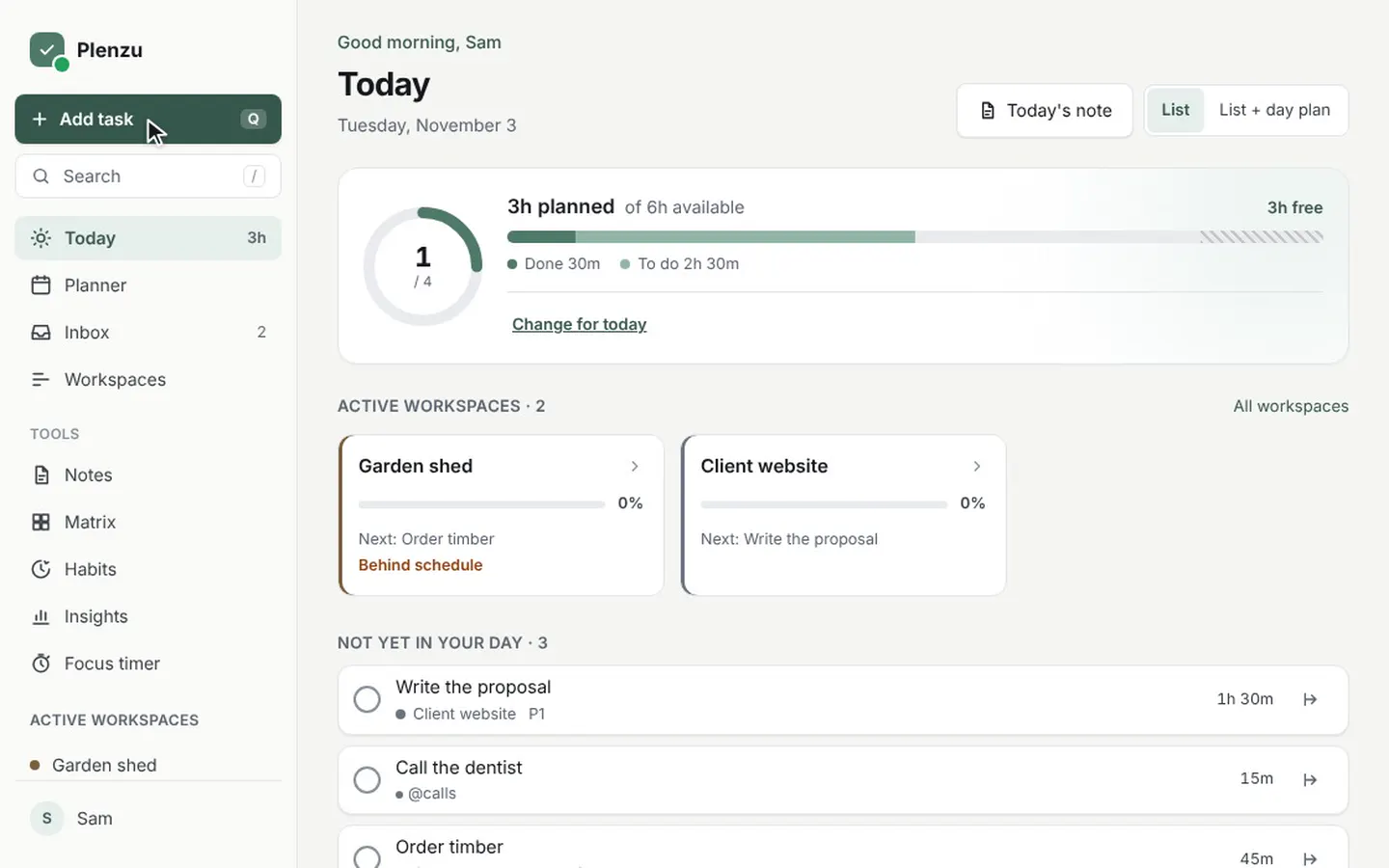 1Getting started with PlenzuAdd your first tasks with quick add, give them a duration and check them off. The basics of Plenzu in three short clips.Read and watch
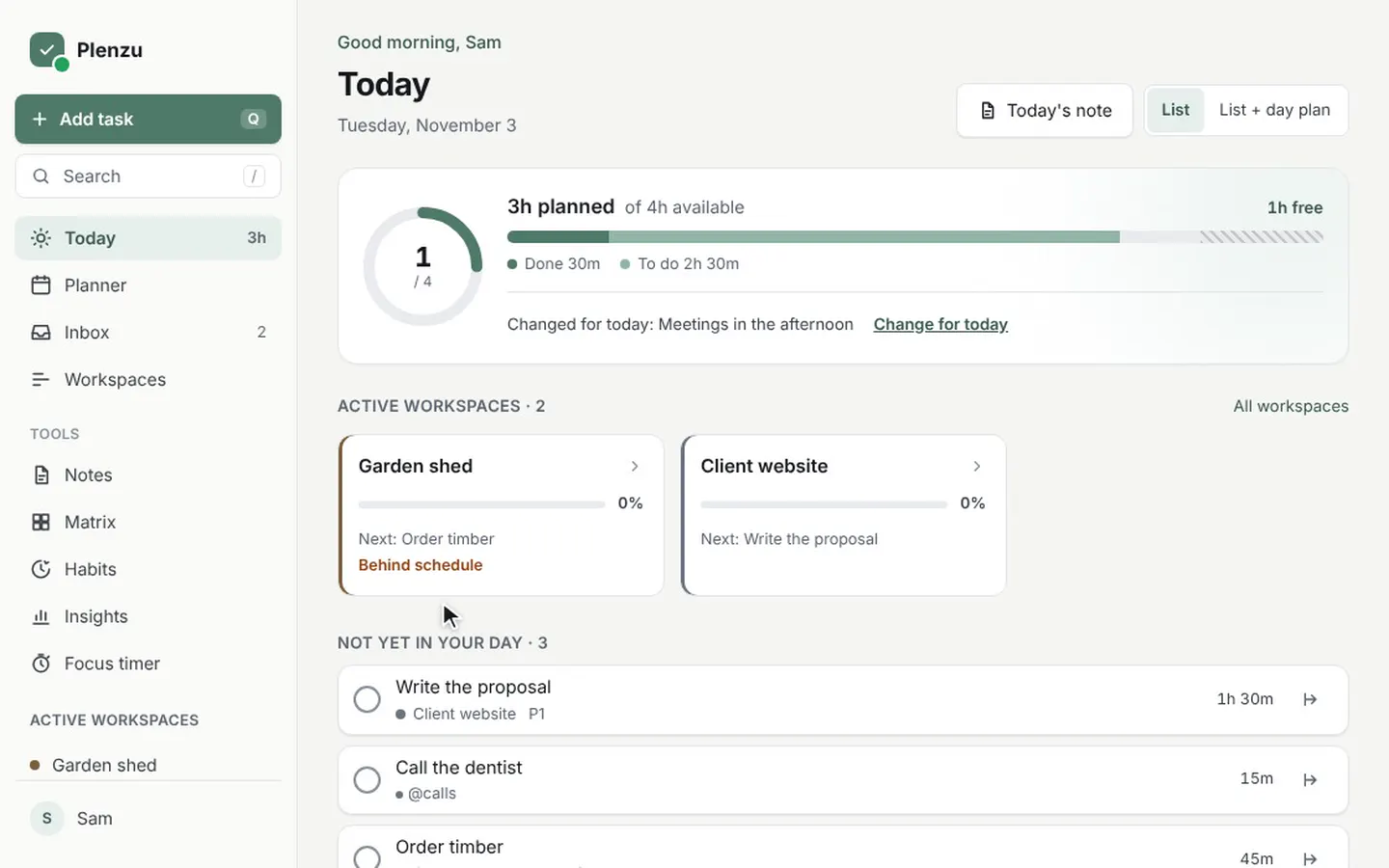 2Plan a day that fitsHow the time bar on Today works, how to change your hours for one day, and how to give tasks a time in the day plan.Read and watch
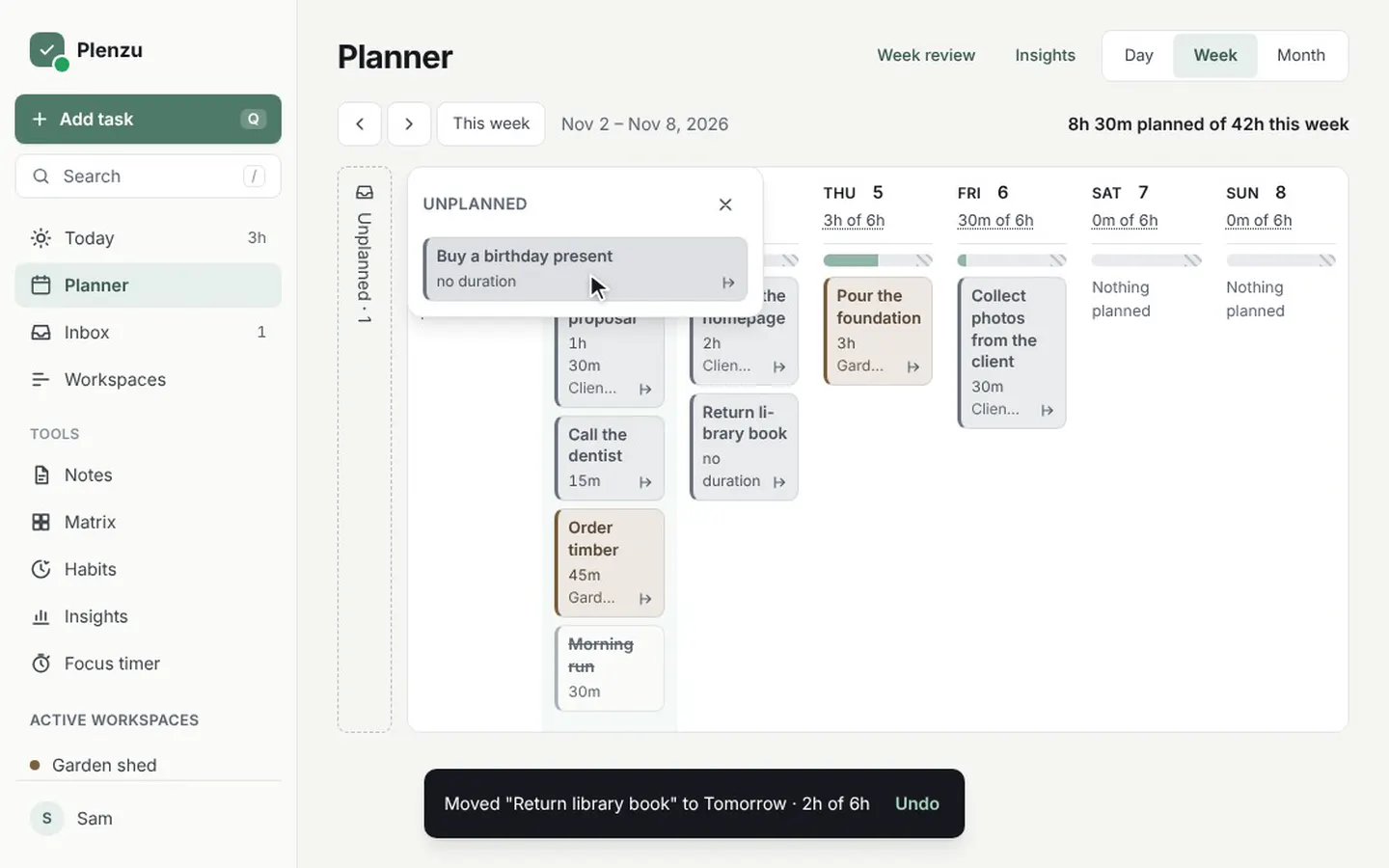 3Plan your week and empty your inboxDrag tasks to a day in the week planner, change your hours per day, and sort new tasks from the Inbox to a day or a workspace.Read and watch
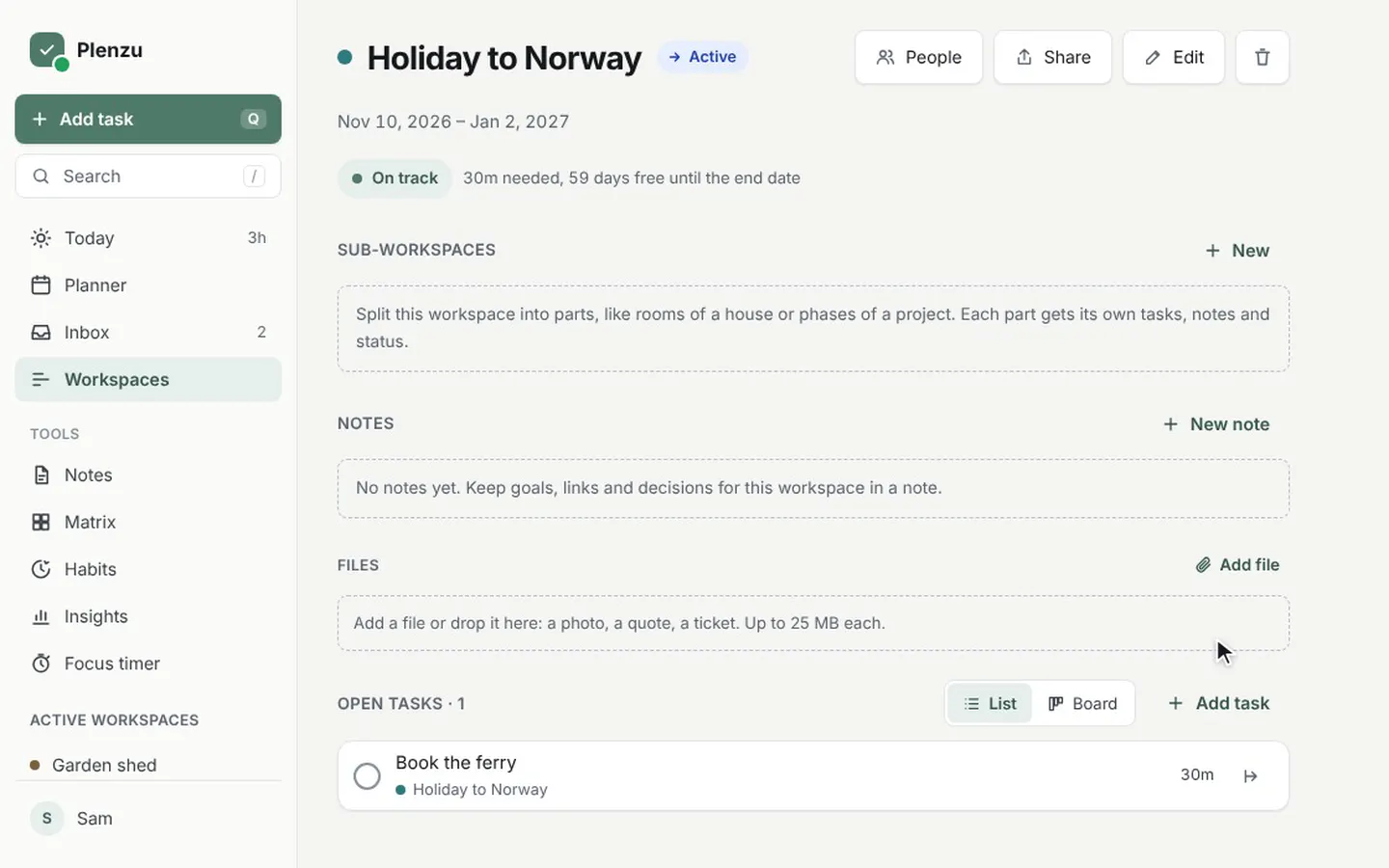 4Organise projects in workspacesMake a workspace for each project or area, track its status, use the board and the timeline, or start from a ready-made template.Read and watch
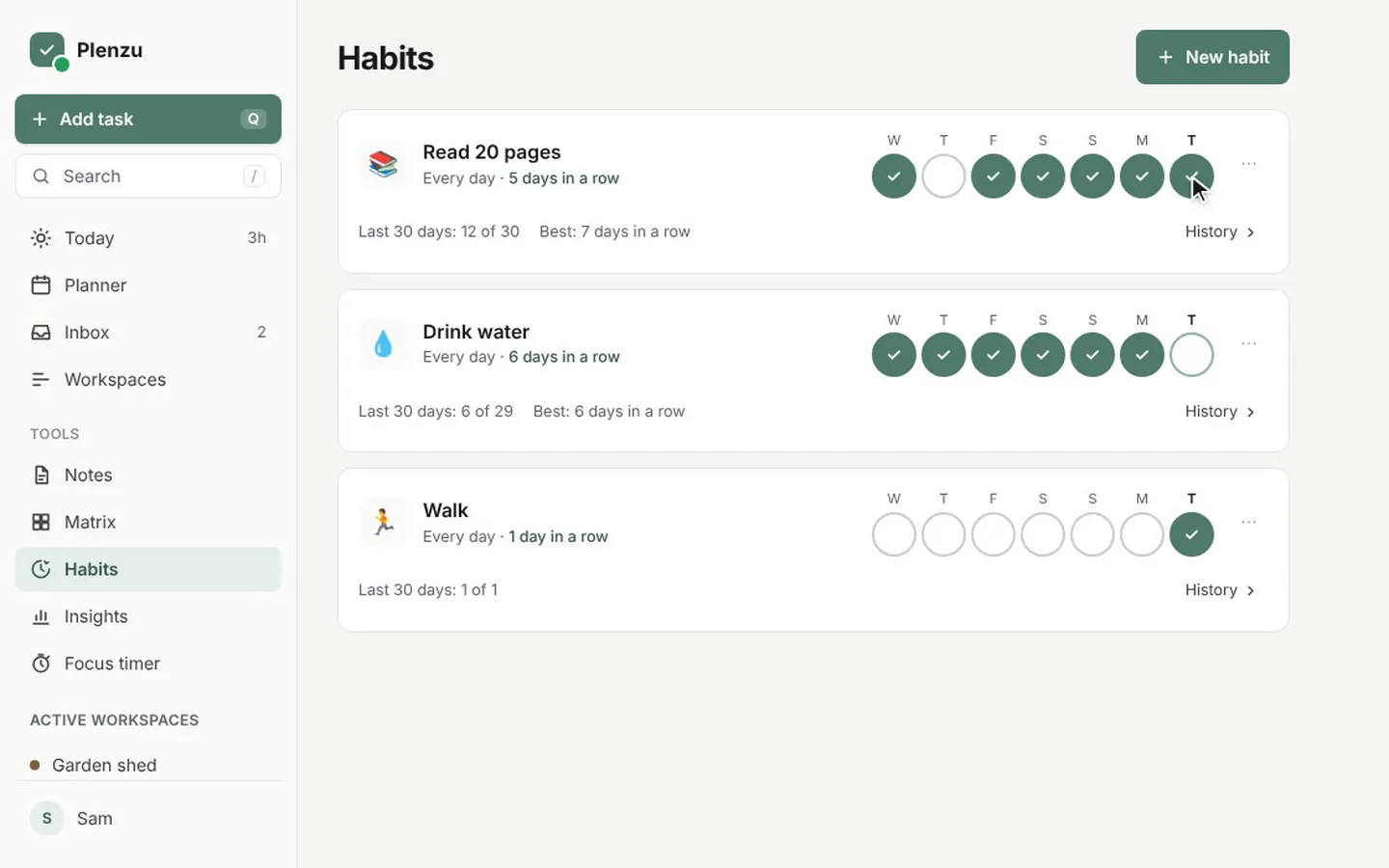 5Habits, the focus timer and the matrixTrack small daily habits, work in focused rounds with the focus timer, and sort your tasks by importance in the Eisenhower matrix.Read and watch
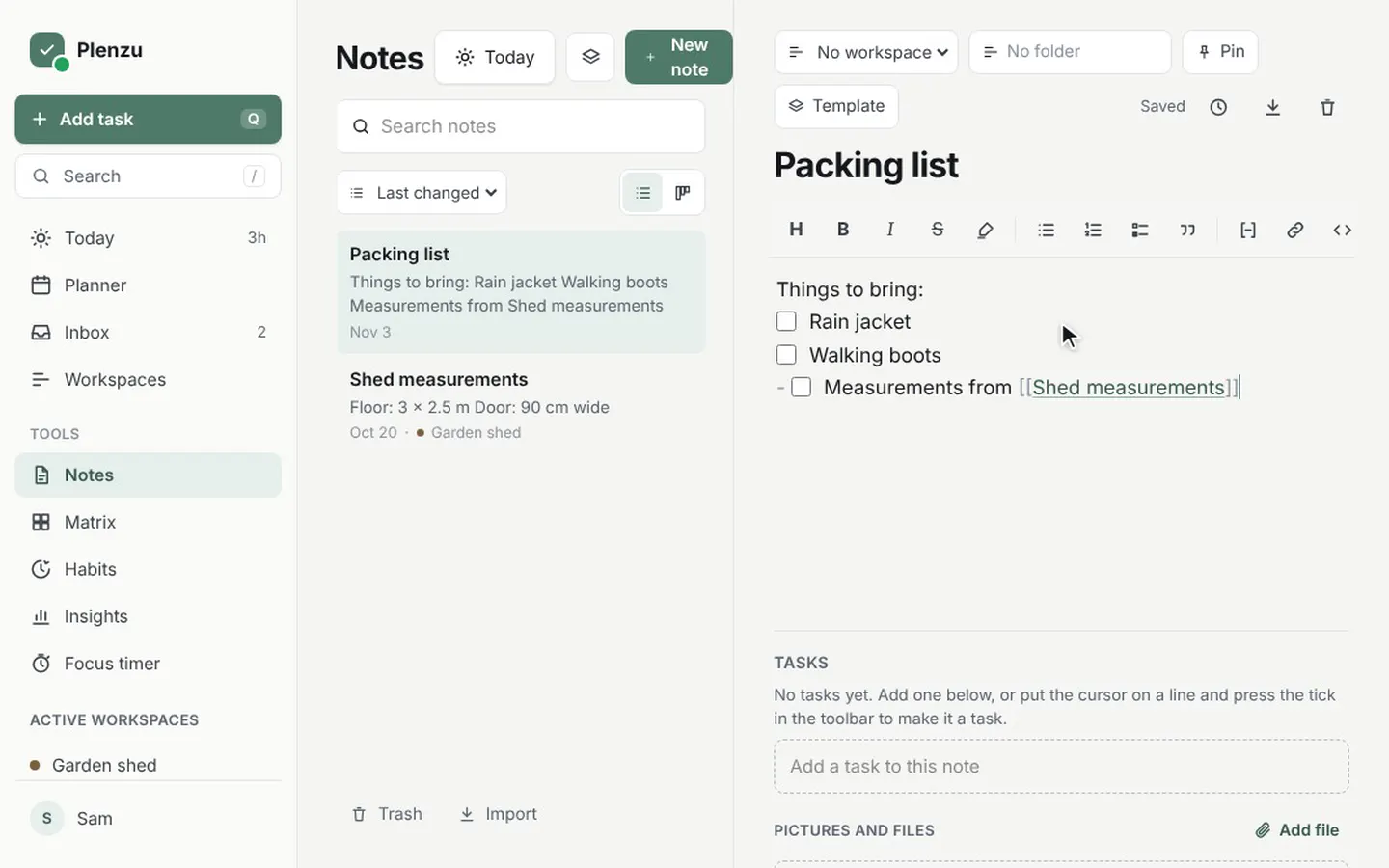 6Write notes and link them to tasksWrite notes with checklists, headings and links to other notes, give them a workspace, and turn any line into a task.Read and watch
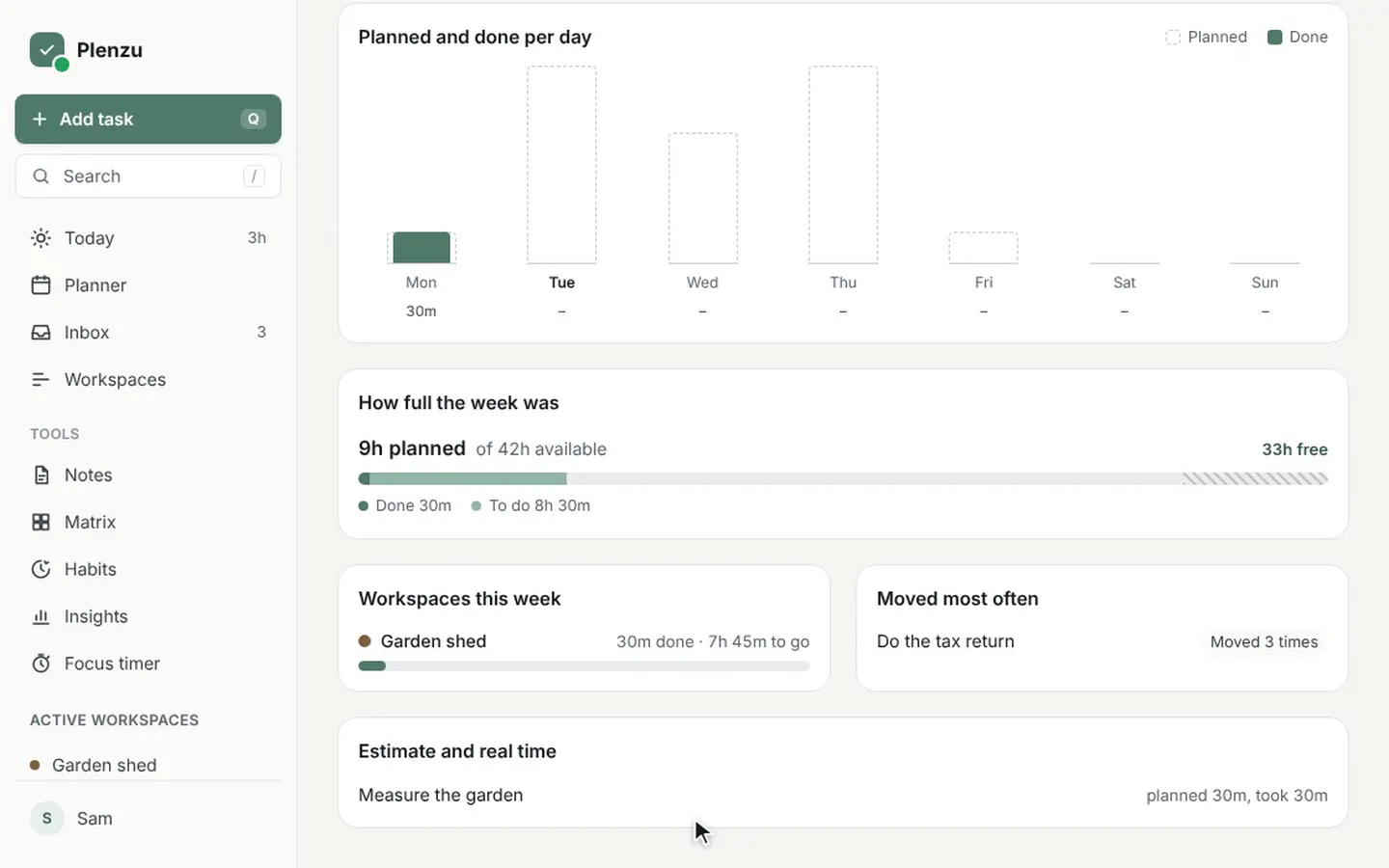 7Look back with the week review and InsightsSee how your week went in the week review, and what you spent your time on per month and per year in Insights.Read and watch
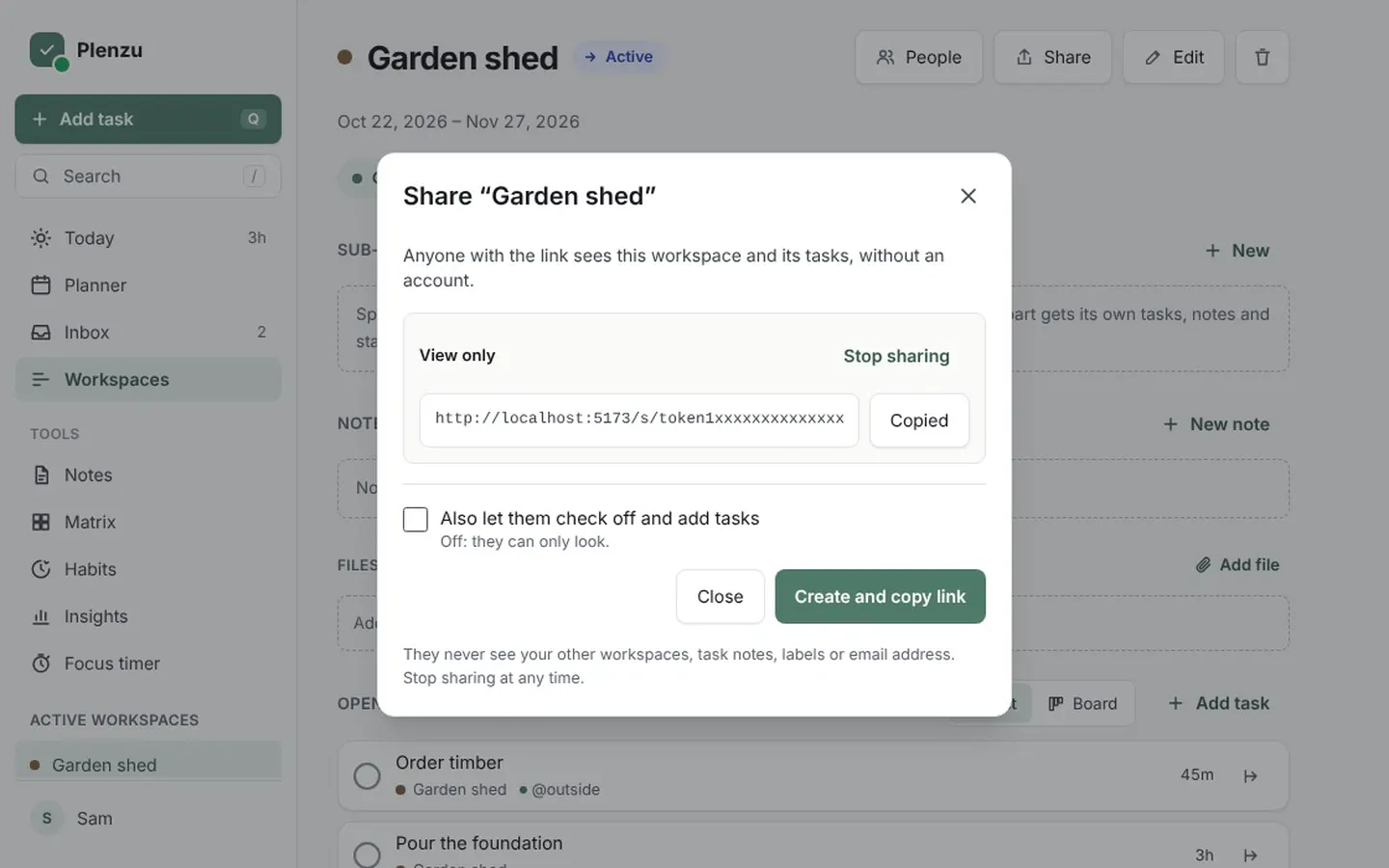 8Share a workspace or work on it togetherShare a workspace with a link that anyone can open, or invite people by email to work in it with you from their own account.Read and watch
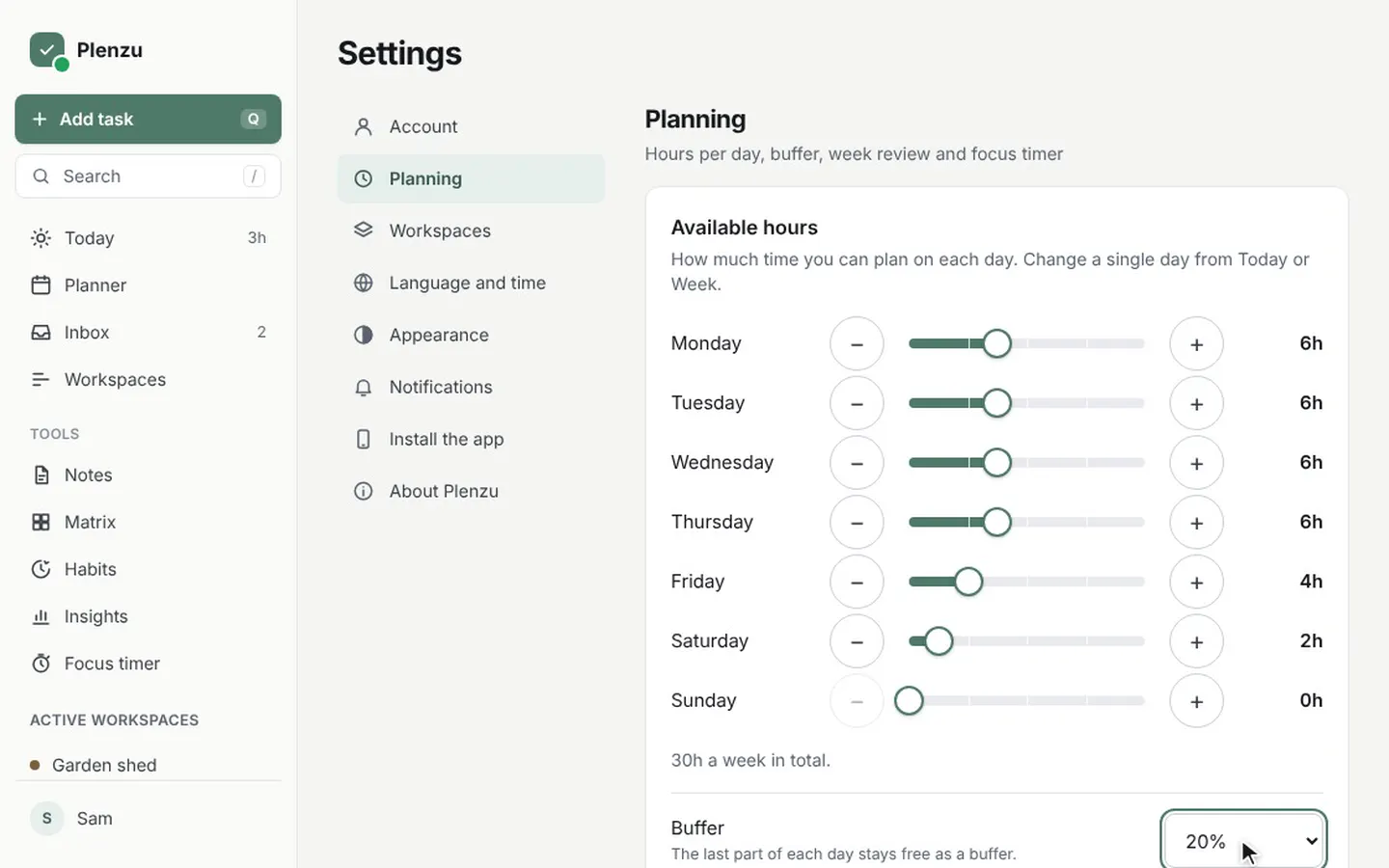 9Make Plenzu your ownSet your hours per weekday and buffer, choose light or dark, your language and time format, and install Plenzu as an app.Read and watch